
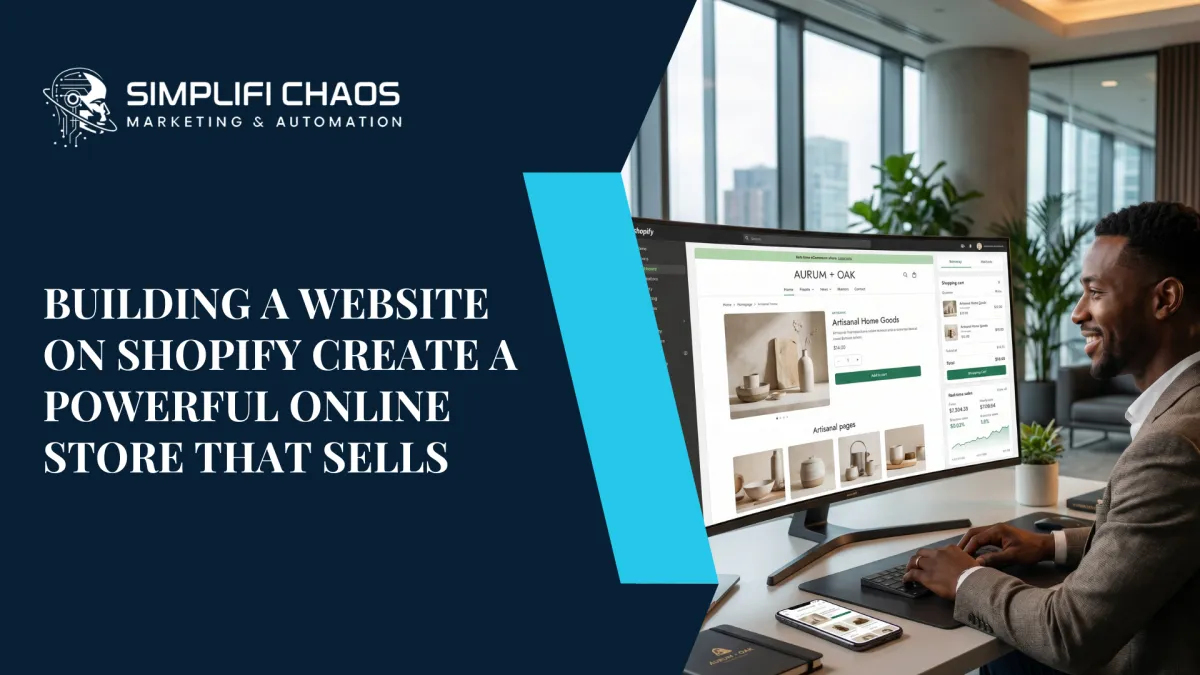
Building a Website on Shopify Create a Powerful Online Store That Sells
The idea of launching an online store used to feel overwhelming. Setting up servers, writing custom code, hiring developers, managing security certificates for most entrepreneurs, the technical side of eCommerce was a wall they couldn't get past.
Shopify changed everything.
Today, building a website on Shopify is one of the fastest, most reliable, and most scalable ways to launch a professional online store whether you're selling handmade products, digital downloads, physical goods, or running a dropshipping business. Over 4.4 million active stores across 175+ countries run on Shopify, making it the world's leading eCommerce platform for a reason.
But here's what most beginner guides won't tell you: simply launching a Shopify store isn't enough. To actually grow and generate consistent revenue, your store needs to be designed strategically, optimized for search engines, and connected to a marketing system that drives traffic and converts visitors into buyers.
This guide covers everything from setting up your Shopify website to optimizing it for Google rankings and converting visitors into loyal customers.

Why Choose Shopify for Building Your Website?
Before diving into the how, let's address the why. There are dozens of website builders and eCommerce platforms out there WooCommerce, Wix, Squarespace, BigCommerce, Magento. So why does Shopify consistently come out on top?
Ease of Use Without Sacrificing Power
Shopify's interface is built for entrepreneurs, not developers. You can build a fully functional, professional online store without writing a single line of code. Yet for those who want advanced customization, Shopify's Liquid templating language and API access give developers complete control.
Hosting, Security & Reliability Built In
Unlike WordPress/WooCommerce where you manage your own hosting, Shopify handles everything 99.99% uptime, SSL certificates, automatic updates, and PCI compliance for secure payments. You never have to worry about your store going down on a busy sales day.
Mobile-First by Default
Every Shopify theme is responsive and mobile-optimized out of the box. With over 60% of eCommerce traffic coming from mobile devices, this is non-negotiable.
Massive App Ecosystem
The Shopify App Store has over 8,000 apps covering email marketing, upselling, loyalty programs, inventory management, print-on-demand, dropshipping, and much more. Whatever functionality you need, there's an app for it.
Built-In SEO Tools
Shopify includes fundamental SEO features customizable title tags, meta descriptions, canonical URLs, auto-generated sitemaps, and clean URL structures making it much easier to rank your store on Google compared to many competing platforms.
Scalability
Start with a basic plan and scale to Shopify Plus as your business grows. Shopify handles everything from 10 orders a month to 10,000+ without you ever needing to migrate to a new platform.

Step-by-Step: Building a Website on Shopify
Step 1: Sign Up and Choose Your Plan
Start at shopify.com and sign up for a free trial. Shopify offers three main plans Basic for new stores and solo entrepreneurs, Shopify for growing businesses that need reporting and multiple staff accounts, and Advanced for scaling stores that need third-party calculated shipping and detailed analytics. For most people just getting started, the Basic plan covers everything you need to launch and grow to your first significant revenue milestone.
Step 2: Choose and Customize Your Theme
Your theme determines the visual identity of your store. Shopify's Theme Store offers both free and premium themes. Free themes like Dawn, Sense, and Craft are clean, fast, and conversion-optimized. Premium themes ($150–$400) offer more advanced features and design flexibility.
When choosing a theme, prioritize fast loading speed, mobile responsiveness, a clean product page layout with a prominent Add to Cart button, and easy navigation. Once selected, use Shopify's built-in drag-and-drop editor to customize colors, fonts, layout sections, and homepage content to match your brand identity.
If you want a store that looks truly unique and converts at a higher rate than template defaults, consider working with a professional Shopify design and funnel building service. Explore our website and funnel builder services to see how we build Shopify stores optimized for both design and conversion.
Step 3: Add Your Products
Your product pages are your digital sales team. For each product, include a keyword-rich product title, a benefit-focused description of at least 150–300 words, high-quality images from multiple angles, pricing and variants clearly organized, and fully completed SEO fields meta title and meta description for every single product.
Never leave product descriptions blank or copy from manufacturer listings. Duplicate content hurts your SEO rankings and gives shoppers no reason to choose you over a competitor.
Step 4: Configure Your Store Settings
Before you launch, complete these essential setup steps. Set up Shopify Payments or a third-party processor like PayPal or Stripe. Configure shipping rates by weight, price, or destination. Review your tax settings Shopify auto-calculates based on your location. Customize your checkout page and enable Shop Pay for faster mobile conversions. Connect a custom domain for both professionalism and SEO benefit.
Step 5: Set Up Your Navigation and Pages
Beyond product pages, your store needs several essential pages to build trust and reduce buyer friction. Your homepage needs a clear value proposition, featured products, and social proof. An About Us page tells your brand story and builds emotional connection. A Contact page gives customers easy access to support. An FAQ page pre-answers common objections. Shipping and returns policies are legally required and conversion-critical. A Privacy Policy is required for compliance and running paid ads.
Your navigation menu should be clean and intuitive visitors should find what they're looking for in two clicks or less.
FAQ: Building a Website on Shopify
1. Is Shopify good for building a website?
Yes Shopify is one of the best platforms available for building professional websites and online stores. It offers an intuitive drag-and-drop interface, secure hosting, SSL certification, customizable themes, and a powerful eCommerce infrastructure that handles everything from payments to inventory. Whether you're a first-time entrepreneur or an established brand, Shopify has the tools to support your growth at every stage.
2. How much does it cost to build a website on Shopify?
The cost of building a Shopify website depends on your plan, theme choice, and the apps you install. The Basic plan starts at around $39 per month. Free themes are available, while premium themes range from $150–$400 as a one-time cost. Apps can add anywhere from $0 to $100+ per month depending on the tools you need. If you hire a professional to design and build your store, that's an additional investment but one that typically pays back quickly through higher conversion rates and better user experience.
3. Can Shopify websites rank on Google?
Absolutely. Shopify is fully capable of ranking on Google when your store is properly optimized. This means creating keyword-rich product descriptions and blog content, optimizing meta titles and descriptions for every page, ensuring fast page load speeds, using structured data and schema markup, building quality backlinks, and maintaining a mobile-friendly design throughout your store. Shopify's clean code structure and auto-generated sitemap also make it significantly easier for Google to crawl and index your pages compared to many other platforms.
4. Do I need coding skills to build a Shopify website?
No Shopify is specifically designed to be beginner-friendly. You can build a complete, professional online store using the drag-and-drop theme editor, pre-built sections, and app integrations without any coding knowledge whatsoever. However, if you want advanced customizations unique layouts, custom features, or performance-level tweaks Shopify also fully supports HTML, CSS, and its proprietary Liquid templating language for developers who want that level of control.
5. SEO for Shopify Websites: How to Rank on Google
Launching your Shopify store is step one. Getting found on Google is what actually drives sustainable, free traffic to your store long term. Here's what a proper Shopify SEO strategy looks like.
Start With Keyword Research
Before writing a single word of content, identify the keywords your ideal customers are actively searching for. Target product-level keywords like "buy organic cotton t-shirts online," category-level keywords like "women's activewear," and informational keywords like "how to choose the right yoga mat." Informational keywords are where your Shopify blog becomes a powerful SEO asset regular blog content targeting relevant search queries drives organic traffic that converts into product sales over time.
Optimize Every Product Page
Each product page is a landing page. Include the primary keyword in the product title and first paragraph of the description. Write unique descriptions for every product never copy from suppliers or competitors. Use descriptive alt text on every product image. Keep URLs clean and readable. These small, consistent optimizations compound significantly over time.
Prioritize Site Speed
Google's Core Web Vitals are a direct ranking factor. A slow Shopify store loses both rankings and sales simultaneously. Use a lightweight, speed-optimized theme. Compress and convert all images to WebP format before uploading. Limit the number of third-party apps installed each one adds page load time. Shopify includes a global CDN by default, but regularly audit your store's speed using Google PageSpeed Insights to catch any issues early.
Build Smart Internal Links
Internal linking connects your pages, distributes SEO authority across your store, and helps visitors discover more products naturally. Link from blog posts to relevant product pages. Link from product pages to related collections. Link from your homepage to your best-performing categories. A strong internal link structure helps both Google and your customers navigate your store efficiently.
If you need a complete funnel built around your Shopify store from landing pages to email sequences our website and funnel builder services are designed to create a seamless customer journey from first click to repeat purchase.
Converting Shopify Visitors Into Buyers
Traffic without conversion is just an expensive vanity metric. Here's how to turn your Shopify store visitors into paying customers consistently.
Invest in Product Photography
Customers can't touch or try your product your images have to do the selling. Multiple angles, lifestyle context shots, and zoom capability are the minimum standard. Professional photography pays for itself many times over in improved conversion rates.
Write Benefit-Led Product Descriptions
Don't just list features. Tell the customer exactly how this product improves their life, solves their problem, or makes them feel. Lead with the outcome, then support it with specifications. This approach converts significantly better than spec-heavy descriptions.
Add Social Proof Everywhere
Product reviews, star ratings, customer photos, and testimonials are the single most powerful conversion tool available to eCommerce stores. Install a review app like Loox, Judge.me, or Okendo and actively collect reviews from every customer after purchase.
Capture Emails Before They Leave
Most first-time visitors won't buy immediately that's simply the nature of eCommerce. Capture their email with a compelling offer a discount, a free guide, or early access to a sale and nurture them toward a purchase through an automated welcome sequence. This single strategy consistently generates more revenue than any paid ad campaign for most Shopify stores.
Recover Abandoned Carts
Shopify's built-in abandoned cart recovery emails are one of the highest-ROI features on the entire platform. Customize your messaging, add a small incentive in the second or third follow-up email, and you can recover 10–20% of otherwise lost sales automatically.
Simplify Your Checkout
Every additional step in checkout is a drop-off point. Enable Shopify's one-page checkout, turn on Shop Pay for returning customers, offer multiple payment options including Buy Now Pay Later, and remove any unnecessary form fields. The easier you make it to pay, the more people will.
Who Should Build Their Website on Shopify?
Shopify is the right platform for a wide range of businesses and entrepreneurs. It's ideal for new entrepreneurs launching their first online store who want to get up and running fast without technical complexity. It's perfect for product-based businesses selling physical goods, digital products, or subscriptions. Dropshippers benefit from seamless integrations with suppliers like DSers, Spocket, and Zendrop. Brick-and-mortar stores expanding online get a reliable platform that syncs with in-store inventory. Scaling brands that have outgrown Etsy or Amazon need their own branded storefront. And service businesses that want to sell packages, bookings, or digital products online will find Shopify more than capable.
If any of these describe your situation, Shopify is where your online business belongs.
Final Thoughts: Build Smart, Not Just Fast
Building a website on Shopify is genuinely one of the best business decisions you can make in today's digital-first economy. The platform is powerful, reliable, beginner-friendly, and built to scale with you as your business grows.
But the store itself is just the foundation. What drives real, sustainable growth is the strategy behind it the SEO that brings in organic traffic, the design that builds immediate trust, the copy that converts visitors into buyers, and the marketing funnels that turn one-time customers into loyal brand advocates.
At Simplifi Chaos, we don't just build Shopify stores. We build revenue-generating systems. From custom Shopify website design and theme customization to full funnel build-outs and conversion rate optimization, we handle every layer of your online store's success.
Ready to launch or level up your Shopify store? Explore our website and funnel builder services and let's build something that actually sells.


